By Patricia A. Pramono • Studio 1080, Published on June 30, 2025
TABLE OF CONTENTS
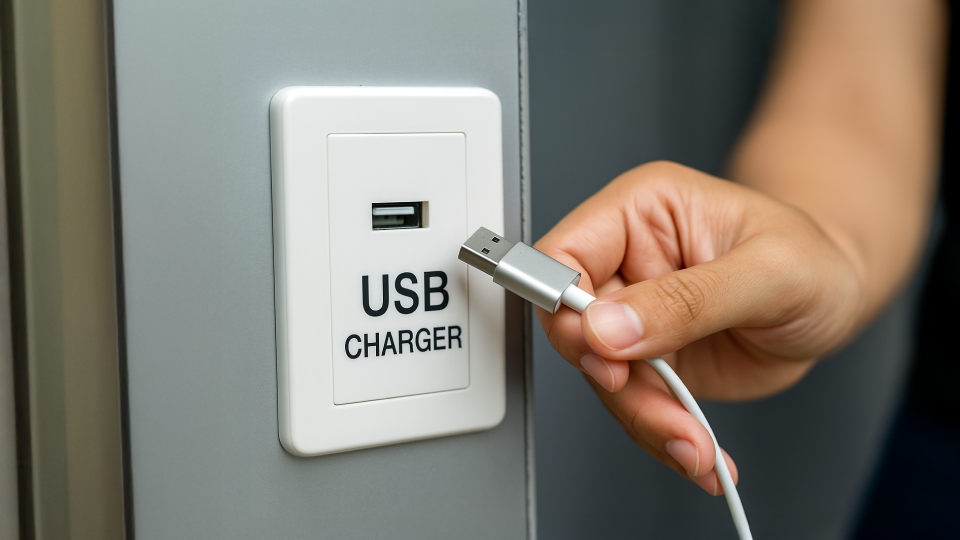
You’re on a trip, running errands, or waiting for a meeting, and your phone battery suddenly needs a recharge. Luckily, there’s a public USB charging station nearby. It’s convenient, easy, and seemingly harmless. You plug in, maybe scroll through a few emails or check your messages, and carry on with your day.
But in today’s digital age, convenience sometimes comes with hidden costs.
Our devices have become more than communication tools. They now hold access to our finances, personal records, work documents, photos, and even health information. This level of connectivity makes our lives easier, but it also makes our devices attractive targets.
Most of us are careful when it comes to clicking suspicious links or downloading unknown apps. But very few people think twice about something as routine as charging a phone in public. It feels safe. Normal, even. After all, what harm could come from borrowing a bit of power?
Also read: Think Before You Click! How to Spot Phishing Scams and Protect Your Data
As it turns out, that simple act (plugging into an unfamiliar USB port) can expose your device in ways you might not expect. There is a lesser-known but increasingly relevant cyber threat that takes advantage of our trust in everyday infrastructure. And it’s time more people knew about it.
What Is Juice Jacking?
Juice jacking is a type of cyberattack that takes advantage of public USB charging ports to steal data or install malware on your device. The term was first introduced at the DEFCON hacker conference in 2011, blending the ideas of “juicing up” your device and “hijacking” your data.

When you use a public USB port (such as those in airports, shopping centers, or hotel lobbies) you’re not just accessing power. USB ports can also transfer data. If the port has been tampered with or is connected to a malicious device, it can interact with your phone without your consent.
According to McAfee, hackers only need a modified USB cable or port to execute this type of attack. The setup can look completely legitimate, making it almost impossible for us to detect anything suspicious at a glance.
How Juice Jacking Works
A USB port is designed to do more than just deliver electricity. It can also transmit data. That’s perfectly fine when you're connecting to your own laptop or trusted charger, but in a public space, it opens up a channel that can be exploited. Once that port or cable is compromised, your device might unknowingly interact with a hidden system waiting on the other end.
Depending on the attacker’s goal, the method of exploitation can vary. Some are designed to extract personal data quietly, while others aim to install malware or gain long-term access to the device. In more advanced cases, the attack targets your phone’s firmware, bypassing surface-level security entirely.
Here are the three most common techniques attackers use in juice jacking scenarios:
1. Data Theft
When you plug your phone into a compromised USB port, attackers may exploit the data channel to extract sensitive information (such as passwords, emails, and financial records). This can lead to identity theft or unauthorized access to your accounts.
2. Malware Installation
Hackers may also install malicious software on your device during charging. This malware can run silently in the background, giving attackers ongoing access to your phone’s data or activities, even after you disconnect.
Also read: Understanding Malware Threats
3. Firmware Attacks
This advanced method involves altering your device’s firmware, which is the foundational software that controls your hardware. Firmware-level attacks are difficult to detect and can allow persistent access or even render your device permanently compromised.
Another Emerging Threat: ChoiceJacking
While earlier defenses such as “Charge Only” prompts helped prevent basic juice jacking, researchers from Graz University of Technology discovered in 2025 that these safeguards can be bypassed. Their research revealed a new variant of the attack called ChoiceJacking, which tricks your phone into approving data transfers, even without your consent.
These attacks exploit vulnerabilities in both Android and iOS devices. For example, a malicious charging station might simulate keyboard input to manipulate your phone’s interface, confirming permissions on your behalf (Kaspersky, 2025).
Even on newer versions of Android (such as Android 15), some device manufacturers like Samsung with their One UI 7, have not fully implemented protective authentication prompts. As a result, plugging into the wrong port could still pose a serious risk.
How to Protect Yourself
The good news: juice jacking is preventable. Here are some steps you can take to stay protected when charging on the go:
1. Use your own wall charger
Plugging into a standard electrical outlet using your charger is the safest option. It bypasses USB data lines.
2. Carry a power bank
A portable battery ensures you always have a secure charging option, especially during travel or long days outside.
3. Use a USB data blocker
This adapter allows only power to pass through, blocking data access.
4. Switch to charge-only USB cables
These are designed to carry electricity without allowing data transmission. However, always test them beforehand on a safe computer.
5. Keep your device updated
Ensure your smartphone is running the latest operating system version. Updates often contain critical patches that fix known security vulnerabilities.
6. Turn off data transfer manually
Check your phone settings and disable USB data transfer when connecting to unfamiliar ports. Many devices let you choose "Charge Only" by default.

What To Do if You Suspect Juice Jacking
If you notice unusual behavior after charging at a public station, take these steps:
- Unplug immediately from the charging station
- Run a full scan using reputable antivirus or anti-malware software
- Change your passwords, especially for high-risk accounts like email, banking, or social media
Also read: Stop Making These Common Password Mistakes
- Monitor your accounts for unusual login attempts or activity
- Seek professional help if the device continues to act abnormally. A cybersecurity expert can help detect and resolve hidden threats
Also read: What To Do After a Scam: 7 Steps for the First 24 Hours
Summary
Public charging stations are convenient, but they’re not always safe. As our devices become more integral to daily life (from storing financial information to serving as digital IDs), the risks of data exposure grow.
Also read: 5 Simple Steps to Enhance Your Online Privacy
Whenever possible, choose safer charging alternatives, keep your software up to date, and stay informed about emerging threats like juice jacking. A little preparation can go a long way in protecting your privacy and peace of mind.
Want more insights like this?
Follow our social media for more cybersecurity updates and tips:
LinkedIn: Cisometric
Instagram: @cisometric
Youtube: @Cisometric
Reference:
Data theft during smartphone charging
Beware of Juice Jacking; Data Theft Tricks Over Free Charging Area