Public Wi-Fi is everywhere—whether you're at your favorite coffee shop, in an airport, or just hanging out at the mall. It’s tempting to connect to these free networks and get some quick work done, scroll through social media, or even check your bank balance. But here’s something we often overlook: public Wi-Fi isn’t as safe as it seems.
Before you connect to that free Wi-Fi, let’s take a moment to consider how secure it is. After all, would you share personal information with a complete stranger? Probably not. But that’s essentially what you might be doing every time you connect to an unsecured public network.
Why Public Wi-Fi is Risky
Public Wi-Fi networks are often unsecured, meaning your data—passwords, bank details, private emails—can be exposed to anyone on the same network. Imagine sitting at a café, sipping your latte, while a hacker nearby is silently "listening" to your data flow across the network. Even worse, when you’re on your Work From Café and accessing some of your company’s data and work. Yes, they could be intercepting your info and your company’s data without you even realizing it.
This is because many public networks lack encryption, leaving everything you do online vulnerable to prying eyes. Without encryption, that’s how your online activities are being transmitted over public Wi-Fi.
How Do Scammers Exploit Public Wi-Fi?
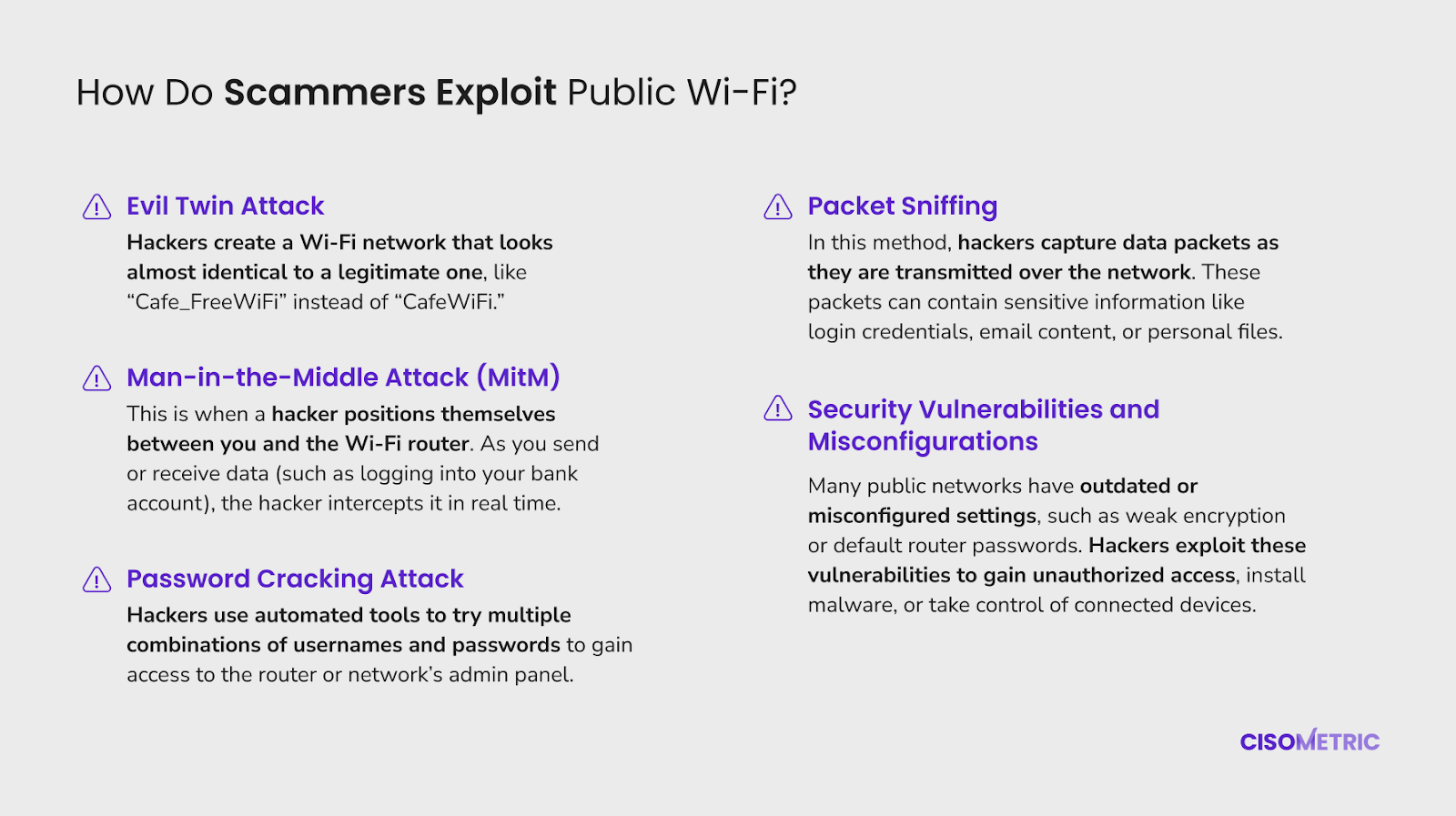
Here’s where it gets scarier: Hackers don’t even need to be tech wizards to exploit public Wi-Fi. Here are some common methods used to exploit public Wi-Fi:
-
Evil Twin Attack: Hackers create a Wi-Fi network that looks almost identical to a legitimate one, like “Cafe_FreeWiFi” instead of “CafeWiFi.” Once you connect, they can intercept your data, tracking your browsing activities and capturing sensitive information like passwords and credit card numbers.
-
Man-in-the-Middle Attack (MitM): This is when a hacker positions themselves between you and the Wi-Fi router. As you send or receive data (such as logging into your bank account), the hacker intercepts it in real time. You might think you're communicating directly with the website, but the hacker is quietly eavesdropping.
-
Password Cracking Attack: Hackers use automated tools to try multiple combinations of usernames and passwords to gain access to the router or network’s admin panel. If the router's settings haven’t been updated from default or weak credentials, it becomes a simple task for them to take control.
-
Packet Sniffing: In this method, hackers capture data packets as they are transmitted over the network. These packets can contain sensitive information like login credentials, email content, or personal files. Hackers use software to analyze and "unpack" the information.
-
Security Vulnerabilities and Misconfigurations: Many public networks have outdated or misconfigured settings, such as weak encryption or default router passwords. Hackers exploit these vulnerabilities to gain unauthorized access, install malware, or take control of connected devices.
What’s at Stake? The Risks of Using Public Wi-Fi
Think about all the sensitive stuff we access online—our banking apps, work emails, personal messages. Public Wi-Fi turns these tasks into risky activities. Here are a few examples of what could happen:
-
Banking and financial services: Logging into your bank account on public Wi-Fi could expose your financial details to hackers, who can then drain your accounts or use your info for identity theft.
-
Work emails or company data: If you’re working remotely, using public Wi-Fi with your company laptop can put not just you, but your entire company at risk. Hackers could steal corporate information or gain access to your company’s internal systems.
Also read: Stay Safe: An Employee’s Guide to Avoiding Phishing Attacks
So, before you hit that “connect” button, it’s worth asking yourself: Is this really the best time to check my bank balance or send that confidential work email?
How to Protect Yourself
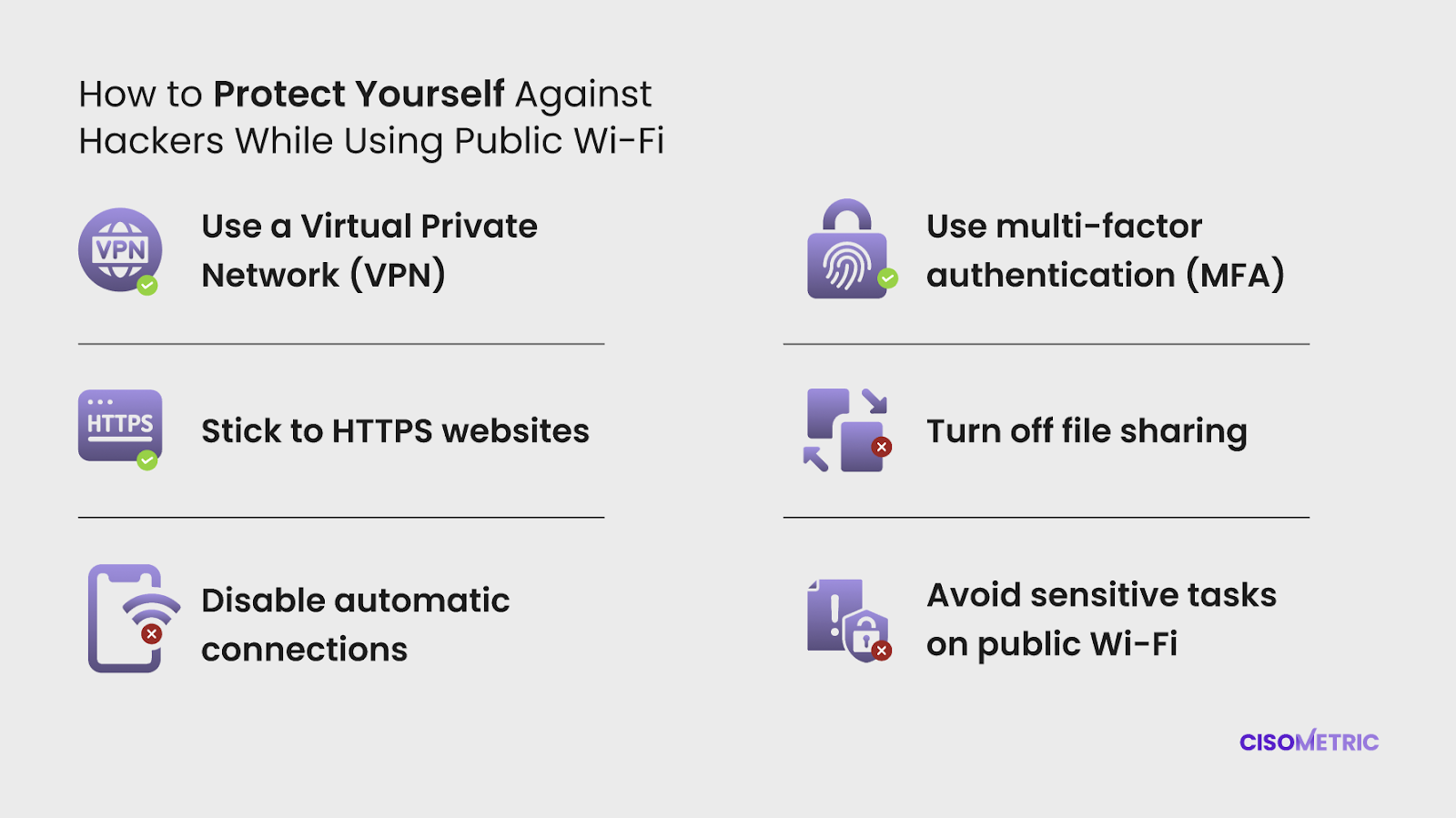
Thankfully, you don’t have to avoid public Wi-Fi entirely. With a few simple precautions, you can minimize the risks and keep your data safe:
-
Use a Virtual Private Network (VPN): A VPN encrypts your data, making it much harder for hackers to intercept it. It’s like putting your online activity in a secure tunnel, away from prying eyes.
-
Stick to HTTPS websites: Always check that the website you’re visiting starts with “https” (not just “http”). That little “s” means the website is encrypted, giving you a safer browsing experience.
-
Disable automatic connections: Most devices automatically connect to familiar Wi-Fi networks. Turn this off so you don’t accidentally connect to a sketchy network.
-
Turn off file sharing: If you’re on a public network, make sure your device isn’t sharing files or data with anyone else. This reduces the risk of exposing personal information.
-
Use multi-factor authentication (MFA) or two-factor authentication (2FA): For important accounts like your bank or email, enable MFA or at least 2FA. This adds an extra layer of security, requiring a second step (like a code sent to your phone) to log in, even if a hacker has your password.
-
Avoid sensitive tasks on public Wi-Fi: If you can, don’t log into bank accounts or work emails on public Wi-Fi. If it’s urgent, use your phone’s data or personal hotspot instead.
Also read: 5 Simple Steps to Enhance Your Online Privacy
Is Public Wi-Fi Worth the Risk?
Public Wi-Fi is convenient, no doubt. But it’s essential to understand the risks that come with it and how to use it with more precautions. By taking a few simple steps, you can enjoy the convenience of free Wi-Fi without putting your personal or company data at risk. So, next time you’re about to connect, think about what’s really at stake—and whether it’s worth it.
Follow us on LinkedIn to stay updated with more Cybersecurity Tips like this.
LinkedIn: Cisometric
References: